
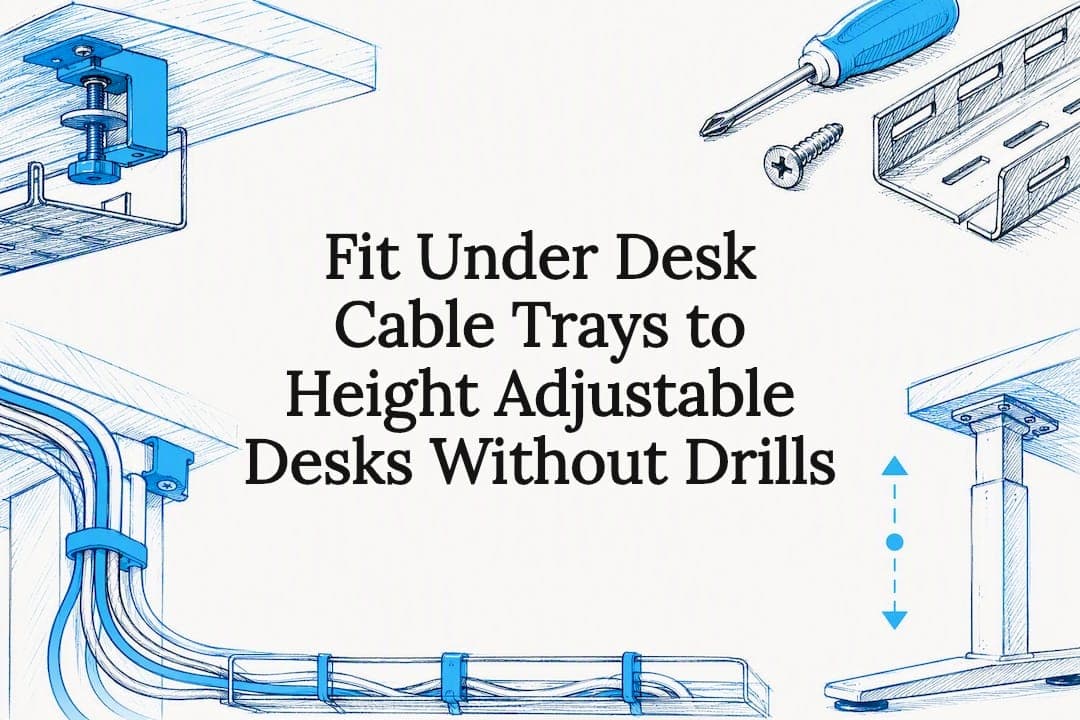
For most home and office desks, a clamp-on, no-drill cable tray is the better starting point. It handles the essentials, power strips, adapters, and cable bundles, without touching the desktop, which matters if you rent, move often, or use a height-adjustable desk. Reach for a screw-mounted metal tray only if you need higher load capacity or a permanent fixture. Before you buy anything, measure your desk's thickness and check the size of your power strip against the tray's stated dimensions.
TL;DR:
- Clamp-on cable trays are ideal for renters and adjustable desks because they require no drilling and accommodate desks with a thickness of about 1 to 4cm.
- The maximum load capacity of typical screw-mounted steel trays supports up to 5kg, sufficient for a power strip, adapters, and small hubs.
- Proper measurement of desk thickness, clearance, and tray dimensions prevents ordering an unsuitable product, especially for height-adjustable or motorized desks.
- Regular maintenance, including tightening screws and checking for sagging or rust, is necessary to ensure safety and prevent cable overheating.
- For adjustable desks, choosing clamp-on trays or ULTI's integrated solutions ensures clearance and compatibility with motorized legs and height adjustments.
Table of Contents
- Types of cable tray under desk options and when to choose each
- How to pick an under desk cable tray: measurements and features that matter
- How to install a cable tray under your desk
- Keeping your cable tray under desk safe and free of clutter
- Why certain cable trays fit height-adjustable desks properly
- The one rule that actually matters when buying a tray
- Where to buy a cable tray under desk built for your setup
- Sources
Types of cable tray under desk options and when to choose each
Under-desk cable management isn't one product. It's a small family of designs, each built for a different desk, budget, and tolerance for drilling holes.
Clamp-on trays grip the underside of the desk using a spring or screw clamp, no tools beyond a screwdriver for tightening, no holes. IKEA's FÖRSÄSONG cable management tray is a good reference point: it measures about 38cm wide, is designed to hold a moderate load, and clamps onto desks within a common thickness range suitable for clamps. That load ceiling suits a power strip, a couple of chargers, and cable slack, not much more.
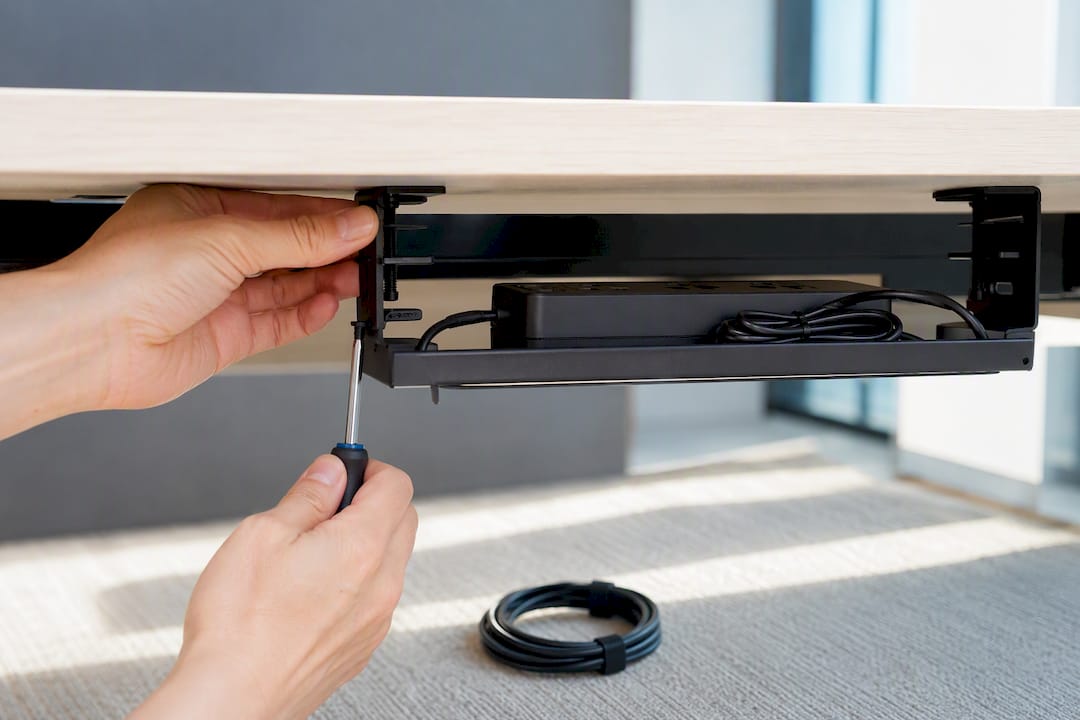
Screw-mounted metal trays sit at the other end of the spectrum. They bolt directly into the desktop or frame, which means better weight distribution and higher capacity. Steel trays from manufacturers like StarTech support up to 5kg, enough for a full power strip stacked with adapters and a small hub.
Beyond those two, you'll find:
- Mesh baskets and open trays that trade a bit of load capacity for better airflow around warm power bricks and easier access when you need to unplug something quickly.
- Cable spines (vertical organisers) that route wires down a desk leg to floor-mounted towers or docking stations, rather than pooling everything in a horizontal tray.
- Under-desk boxes with lids that fully conceal cables but make mid-day access more of a chore.
How to pick an under desk cable tray: measurements and features that matter
Get your tape measure out before you shop. A tray that looks right in a product photo can be the wrong depth for your desk or too shallow for your power strip.
Work through this checklist:
- Desk thickness and clearance underneath. Clamp-on trays need a specific range, often around 1 to 4cm, so measure the tabletop edge precisely. Also check how much vertical clearance exists before you hit your knees or a drawer.
- Usable width. Measure the flat underside span you actually have to work with, accounting for support brackets, cable channels already built into the desk, or a motorised leg mechanism if you own a standing desk.
- Maximum load rating. Add up the weight of your power strip, adapters, and any small hub you plan to store. Compare that total against the tray's stated capacity, not a rough guess. Retail listings such as the Micro Center under-desk tray publish exact dimensions and mount type, which makes this comparison straightforward.
- Material and heat handling. Powder-coated steel resists sagging under sustained load and dissipates heat better than ABS plastic, which matters if you're running a power brick that runs warm. Mesh designs ventilate best of all.
- Mounting method. Clamp for flexibility and zero desk damage, screws for permanence and higher load, adhesive strips only for very light bundles since they tend to fail under sustained weight or heat.
- Accessibility and clearance conflicts. An open tray lets you grab a cable fast; a lidded box hides everything but slows you down. Either way, check the tray won't collide with a clamp-mounted monitor arm or a motorised standing desk's leg travel when it's raised to full height.
Pro Tip: Photograph the underside of your desk with a tape measure in frame before you shop. It's the fastest way to avoid ordering a tray that clamps onto nothing because your desk edge is thicker than the product's spec sheet allows.
How to install a cable tray under your desk
Installation time depends entirely on mounting method. Clamp-on trays are relatively quick to install, while screw-mounted trays take longer due to marking and drilling steps.
- Prepare first. Unplug everything, label cables if you have more than three or four running to the same spot, and lay a towel or cloth on the desktop to protect the surface while you work underneath.
- Clamp-on installation. Position the tray where you want it, slide the clamp jaws onto the desk edge, fit the protective pads supplied with the tray, and tighten evenly rather than cranking one side first. Test by gently pulling downward before loading it with cables. If you're using a clamp-mounted monitor arm on the same edge, check the two don't compete for the same few centimetres of desk lip.
- Screw-mounted installation. Mark your pilot holes with a pencil, drill pilot holes slightly narrower than the screw diameter to avoid splitting veneer or laminate, then drive the screws until snug, not over-tightened.
- No-drill adhesive alternatives work for very light bundles only. They're not rated for a full power strip and tend to peel away under heat or sustained weight, so treat them as a last resort rather than a default.
- Post-install checks. Load the tray with your actual cables and power strip, then check for sagging. If you own a height-adjustable desk, raise and lower it through its full range to confirm the tray clears the motor housing and leg mechanism at every height.
Keeping your cable tray under desk safe and free of clutter
A tray you install once and never look at again is a tray that eventually sags, rattles, or overheats something. Build a quick check into your routine every few months:
- Tighten clamp screws and mounting bolts, they loosen slightly with vibration and everyday knocks.
- Check for rust on exposed metal edges, particularly in humid environments, and for sagging in the middle of the tray.
- Leave a finger's width of space around power bricks and avoid bundling high-draw cables tightly together, since trapped heat is what shortens adapter lifespan.
- If cables rattle or the tray dips under load, redistribute weight toward the mounting points rather than the centre span.
- Replace the tray if you spot visible bending, a cracked clamp, or a mount that no longer grips tightly. Struggling on with a failing mount risks a full drop of your power strip.
Why certain cable trays fit height-adjustable desks properly
Standard trays are built for static desks. ULTI builds sit-stand desks with reinforced steel frames and integrated cable management for standing desks designed into the frame from the start, which means clearance for motorised legs is already accounted for.
That same thinking carries into ULTI's standalone accessories. The clamp-on cable management spine needs no drilling and suits renters or anyone who adjusts their desk height daily. For heavier loads, the screw-mounted C25 cable management tray holds a full power strip securely in place, even while the desk moves through its height range. Both are built with the motorised-leg clearance issue already solved.
The one rule that actually matters when buying a tray
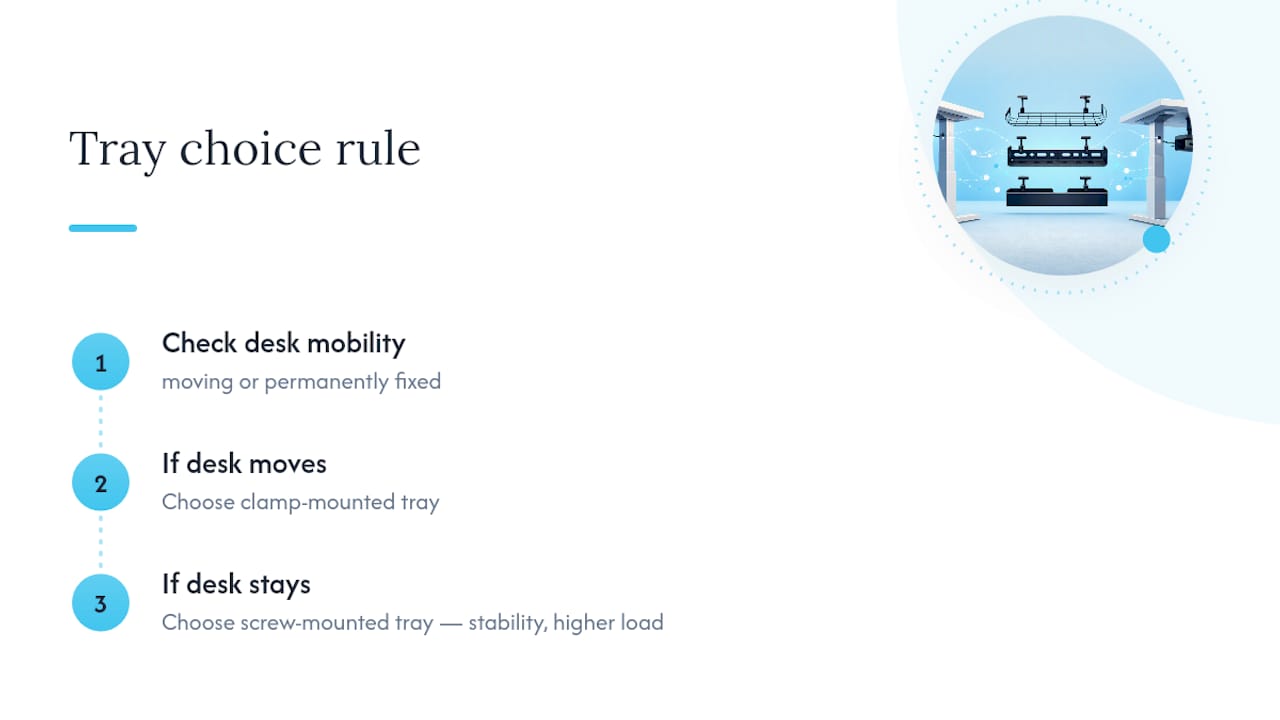
If your desk moves, whether height, location, or ownership, choose the clamp. If it stays put permanently, screws earn their keep with load and stability. Match the tray to how your desk actually lives, not how it looks in a showroom.
Where to buy a cable tray under desk built for your setup
There are plenty of basic clamp trays and steel organisers on the market, and some do the job fine for a static desk that never moves. But if your desk adjusts height, that's where most generic trays fall short: they weren't designed with a motor housing or leg travel in mind, so clearance becomes a guessing game. ULTI's cable-management accessories are designed alongside its own standing desks, which means the fit and clearance are worked out before you ever unbox the tray.

Browse the full range of workspace accessories and cable management to find a clamp-on or screw-mounted tray sized to your desk, then check it against the measurements you took earlier. If you're setting up a full workspace, it's worth pairing the tray with a compatible monitor arm so cables route cleanly from screen to floor in one pass.